


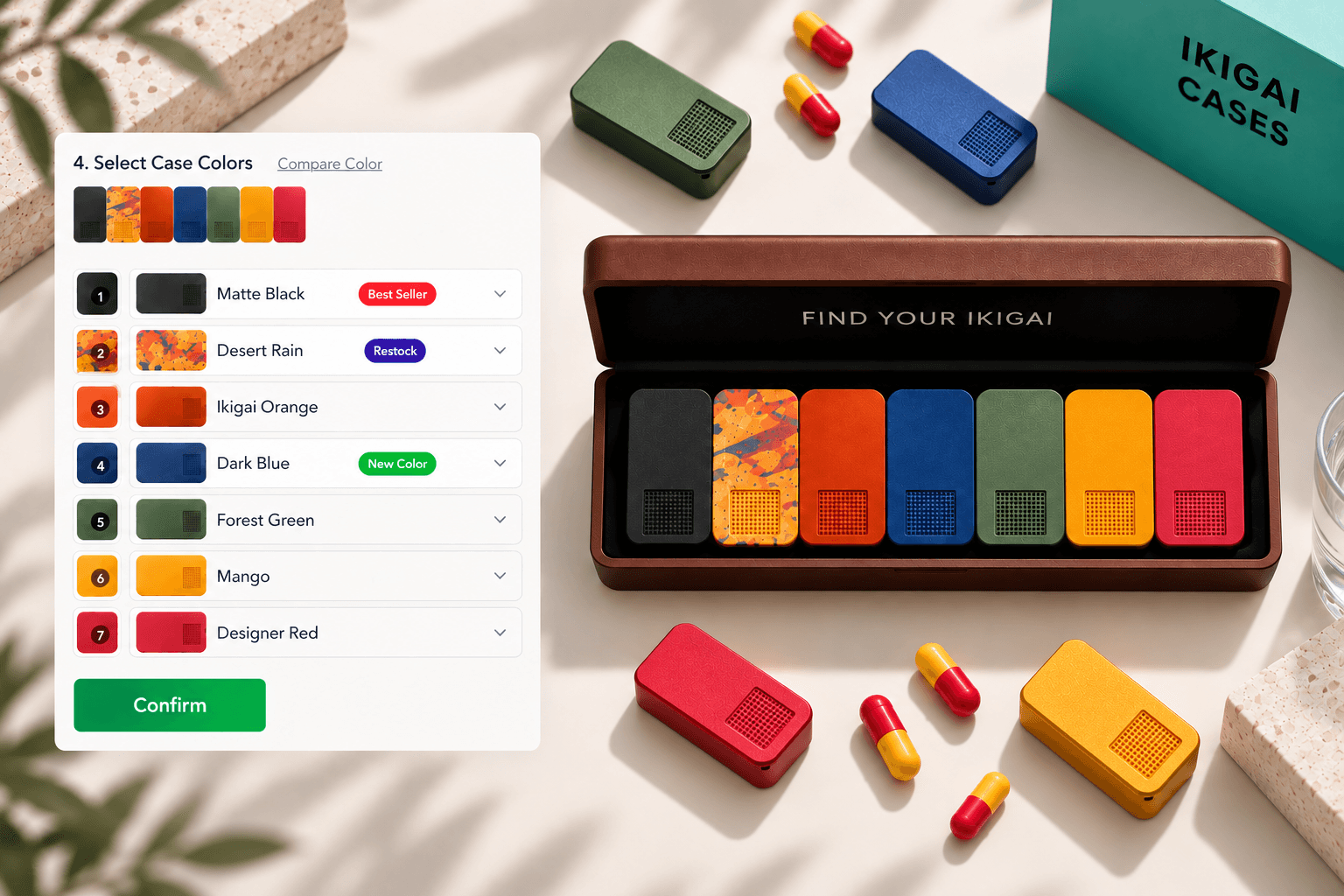
Preserving configurable pill case bundles across Shopify
Keep configured sets identifiable through cart, checkout, and reorder while preserving physical component variants.
Consumer goods · 2026
Shopify Plus Engineer
It starts where themes stop.
Configurators, Shopify Functions, and checkout extensibility for teams who have hit the platform’s edges.
 Shopify Plus
 Product Configurators
 Shopify Functions
 Checkout Extensibility
 Complex PDP Architecture
 GraphQL & Bulk Ops
Slide 1 of 5: Six bundle families, one Cart Transform
Trusted by
Selected work
Keep configured sets identifiable through cart, checkout, and reorder while preserving physical component variants.
Consumer goods · 2026

Two built to order club lines needed guided configuration inside one theme, although LAB Golf depended on Hulk Product Options while Miura composed catalog variants natively.
Golf equipment retail · 2026

The old site's browse structure, its brand directories and style and colour indexes and editorial collection pages, had no equivalent in Shopify's product model and still had to survive the move.
Luxury menswear and footwear retail · 2025
Engineering
A merchant needs configurable greenhouse kits to use prices managed as catalog tiers while preserving each selected module as an order component that carries inventory.
Known limits
A merchant needs a large architectural lighting configurator to request only the selected product data without embedding the complete sibling catalog in the initial page.
Known limits
Judgment
The requirement sets the boundary. The decision is which layer owns each part, and what that costs.
Worked decision
Theme
Displays allocations
Used here
Shopify Function
Carries value and applies discounts
Used here
Checkout UI Extension
Checkout UI and workflows exposed through Shopify targets, components, and APIs.
Admin configuration
Campaign setup
Used here
App
Application-owned workflows or state, with deployment, synchronization, and operational responsibilities.
External service
Work outside Shopify runtimes, adding another system boundary and availability dependency.
Delivery
I worked in agency delivery teams. My current workflow uses AI for codebase exploration and implementation, while I remain responsible for decisions, verification, and handoff.
I turn Figma designs into responsive Shopify sections, working through content variations and merchant editing needs. I check the implementation against the design and clarify behavior the screens leave open.
I use AI to explore unfamiliar themes and locate the code behind a feature. I check those findings against the source and storefront behavior before deciding where and how to make a change.
In agency projects, I kept PMs informed of blockers, clarified missing product and cart states with designers, and agreed on ownership with other developers before changing shared theme code.
I keep pull requests focused, including AI-assisted changes, and explain the purpose, theme preview, checks run, and relevant limits so another developer can assess both the implementation and its storefront behavior.
I combine automated checks with storefront testing, including unavailable variants and cart updates. Before release, I confirm readiness and publishing responsibility; afterwards, I verify the changed flow on the live store.
I document setup, merchant settings, and known limits so the next person can continue the work. For reported issues, I gather reproduction details, trace the affected flow, and share findings alongside the proposed fix.
In practice
For GolfN, I recommended Eurus, agreed the foundation with the client, and translated the approved Figma direction into Shopify sections and templates. Products, collections, promotional content, images, and calls to action remained editable by the merchant.
Read about the Figma-to-Shopify buildOn an agency theme update, I shared a preview and test notes with the PM and another developer. We resolved an unavailable product state before approval, agreed who would publish, and checked the purchase flow afterwards. I left configuration notes for the person maintaining it.
Store Lab
Every demo store is built on Tyler, my custom Shopify theme, using an AI-assisted development workflow. These are for different catalogs and buying journeys.
3 of 6 Stores
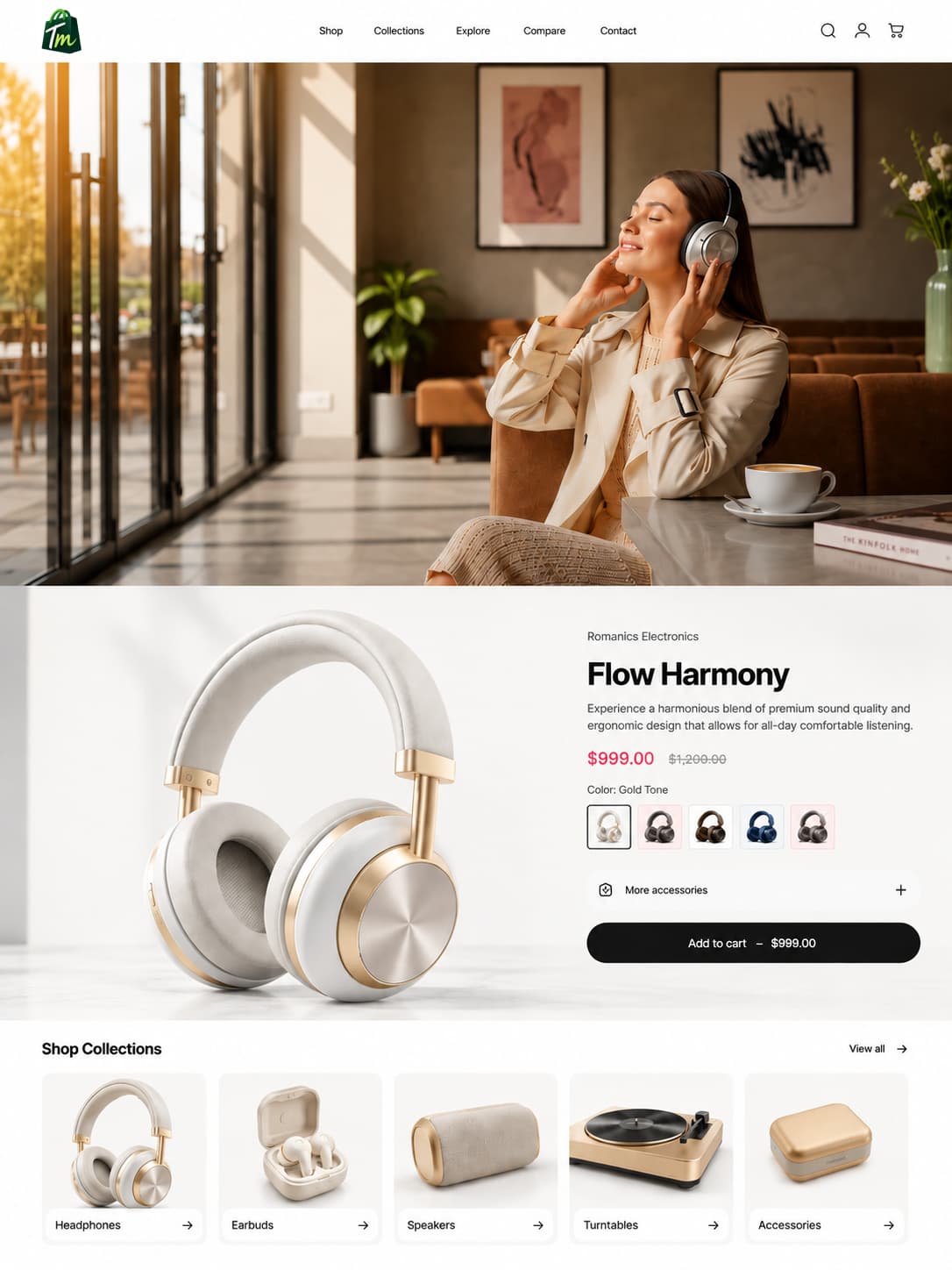
Premium audio equipment
tylertyler-electronics-rjbejwmw.myshopify.com
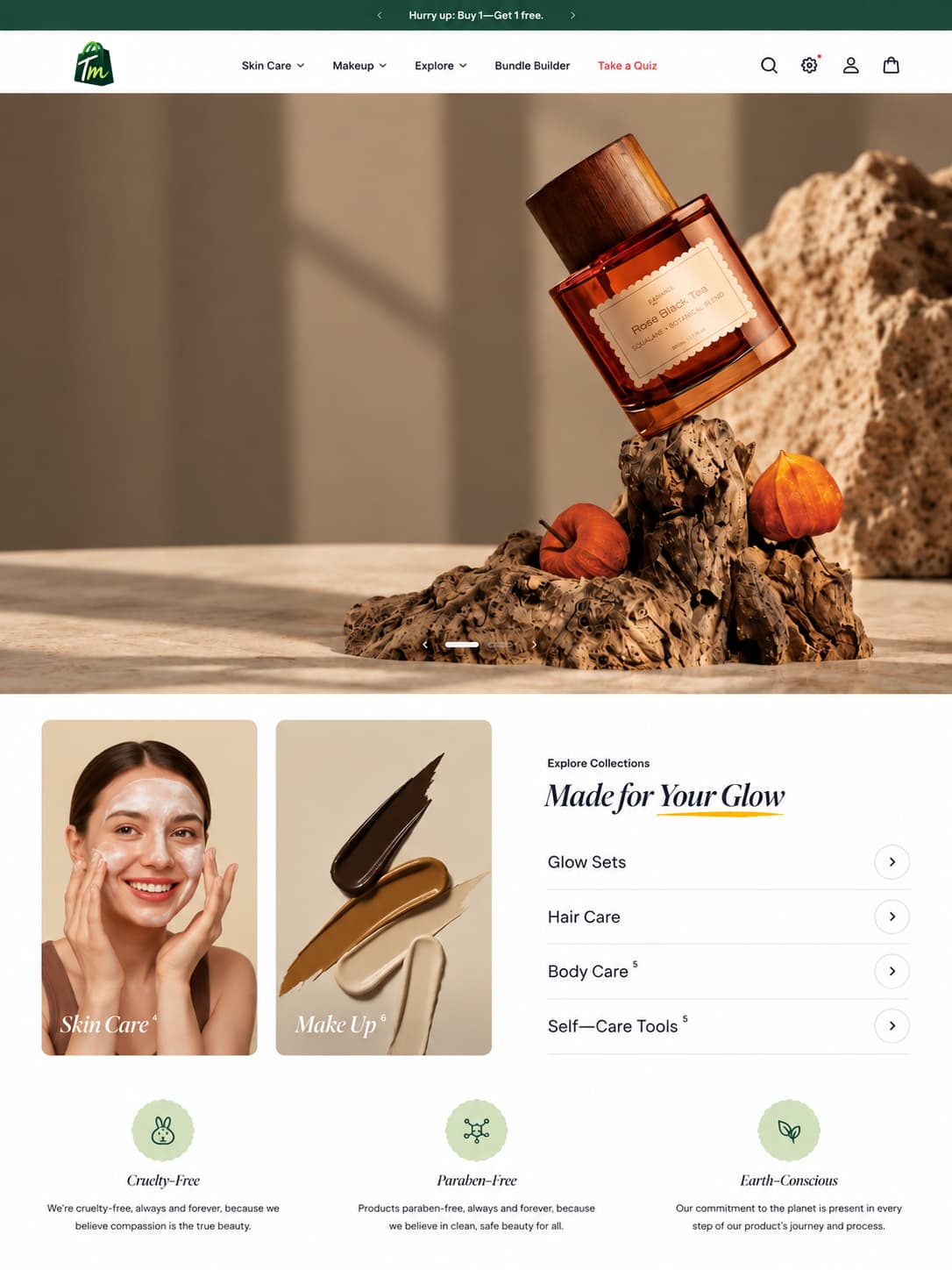
Beauty & skincare
tylertyler-cosmetics-6zrjkved.myshopify.com
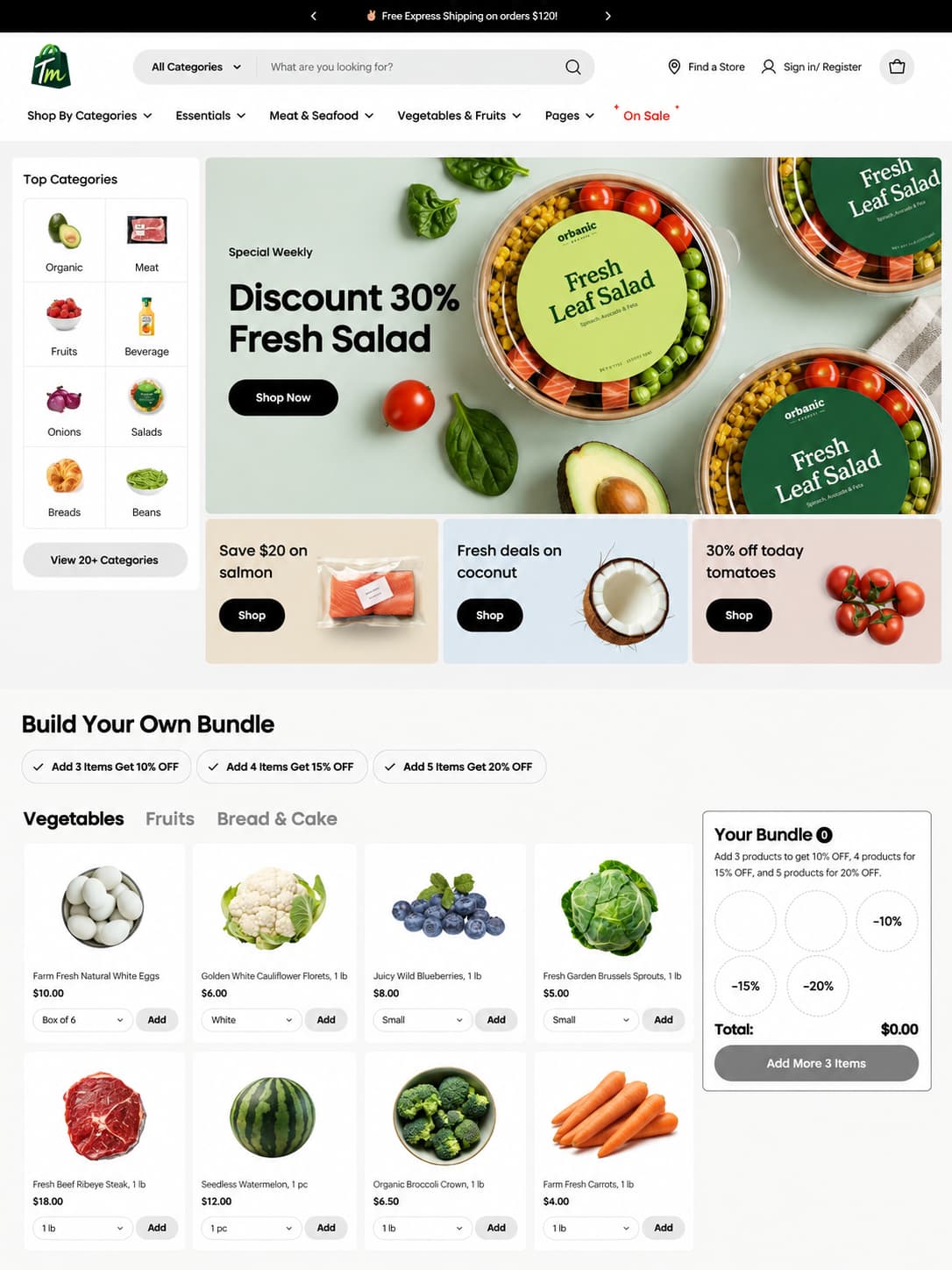
Organic groceries & food
tylertyler-foods.myshopify.com